
OBS-LAB
On-premise data & document intelligence
OBS-LAB processes, analyses and searches a private collection of data, documents, spreadsheets and images. Every model runs on your own infrastructure. Nothing leaves your servers unless you deliberately enable a cloud language model. The whole platform is open source under AGPL-3.0: read the code, self-host it for free, or have us deploy it for you.
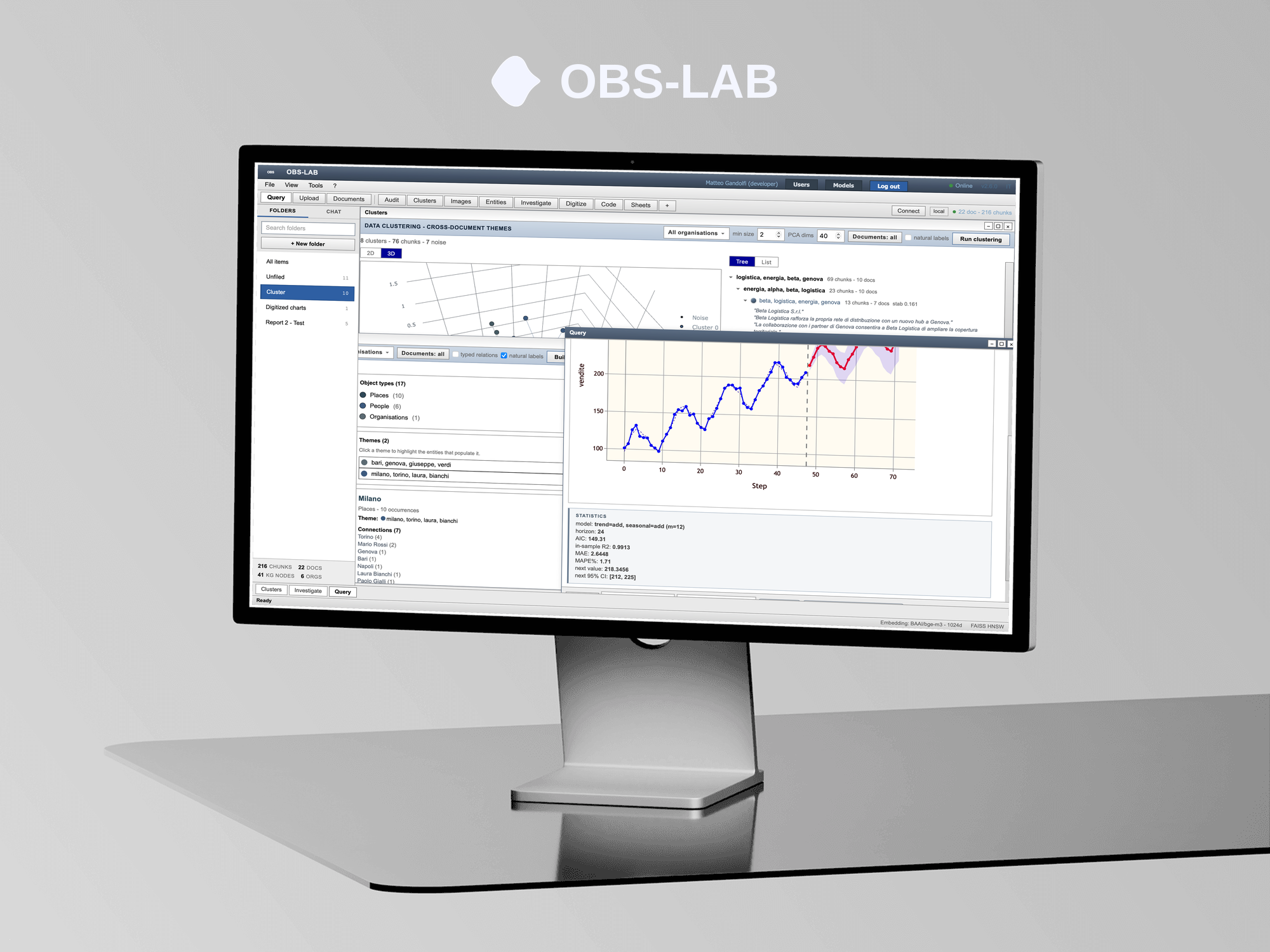
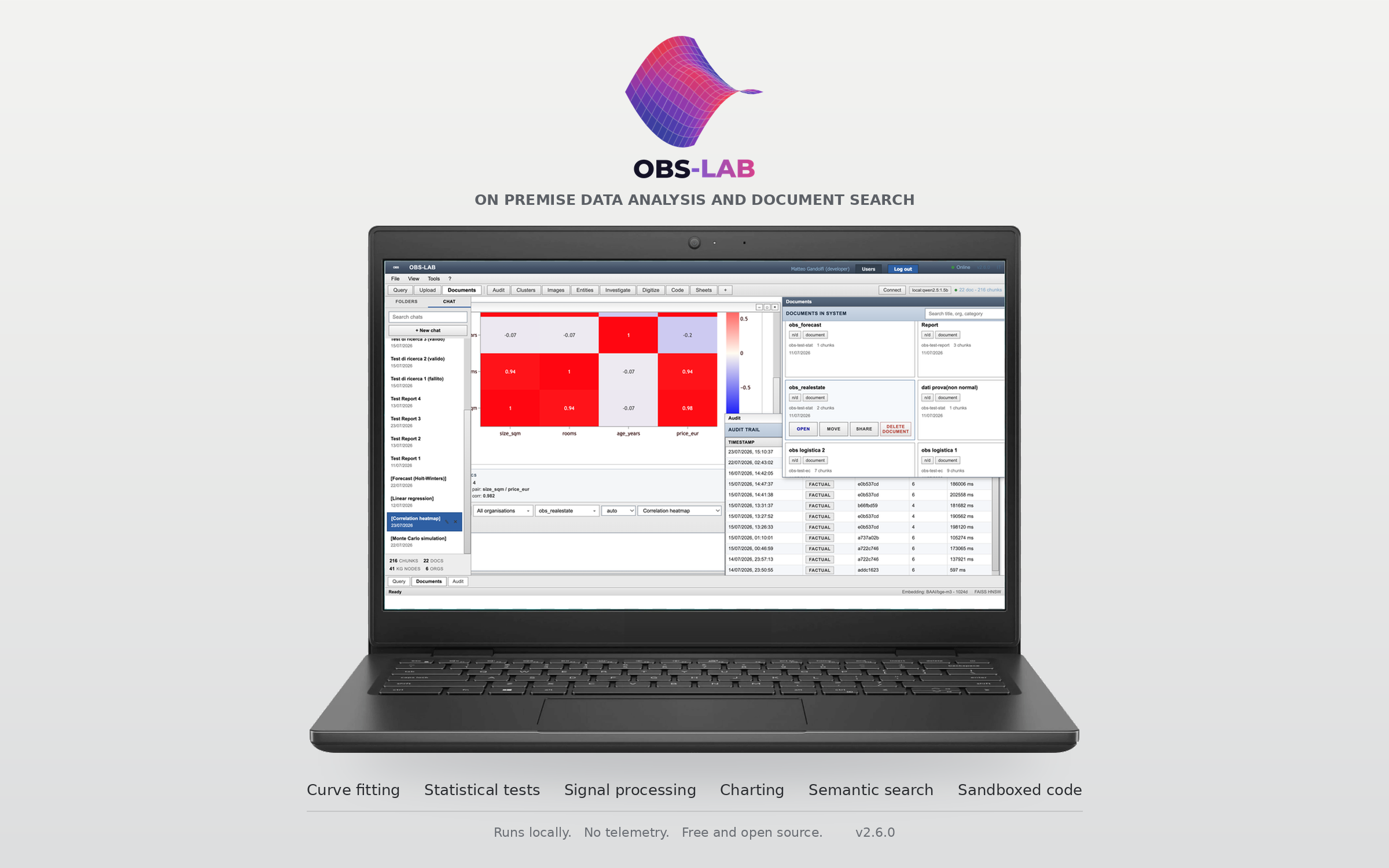
Charts, statistical analysis, forecasting and Monte Carlo simulation, computed locally. A robust-statistics stack recovers reliable estimates when a handful of anomalous observations would distort ordinary methods.
Ask questions in natural language, in any language, and get answers that cite the documents they come from. Dense retrieval with cross-encoder reranking, and every report checked citation by citation.
Run scripts against your archive in Python, R, Octave, JavaScript, Java, C and C++, each in a disposable sandboxed container with no access to the host. HTML and CSS preview live in the browser.
Group related material into themes across the whole archive and explore an entity graph that resolves people, organisations and places and links entities that appear together.
Register your own agents and let them work on the archive: a script in the sandbox, a step loop where the model calls declared tools, or a call to an agent you built elsewhere. Every run is bounded and recorded step by step.
Dictate a question and hear the answer read back, or leave it hands free and hold a conversation. Both directions run on your machine, and the voice follows the language of the answer.
Point OBS-LAB at a folder and it browses, searches and analyses what is there, reading in place. Nothing is uploaded, nothing is indexed, and taking the folder off the list takes the access away with it.
Everyone signs in and sees only their own material, with role-based ownership and sharing across groups. The filter sits inside the retrieval pipeline, not on top of the interface.
Worksheets and plotting for tabular data, computed entirely on the local machine. Type data straight into spreadsheet-style grids, no document upload needed. Column roles (X, Y, error bars, labels, groups) drive every plot, so an error column set once is reused by every chart that accepts it. This panel is fully isolated: its data lives in a separate database and never touches the document archive, the search index or the entity graph.
Ingestion handles chunking and embeddings; retrieval runs on a FAISS index with cross-encoder reranking.
Scripts execute in disposable containers, with an ephemeral permission-scoped token as the only route to the database.
Images are indexed by visual content and by the text they contain.
Agents are defined by the user and run with the permissions of the person who owns them, so they can never reach material that person cannot see.
Speech recognition and speech synthesis both run on the local machine. The browser speech API is deliberately not used, because on some browsers it sends the audio to a remote service.
A panel that reads files where they already are. Nothing is uploaded, nothing is indexed and nothing is written to disk, so this material stays outside the archive and outside the search index.
The design principle is that your archive never leaves your infrastructure. Models run on your hardware and data is stored locally. The only outbound traffic possible is a cloud language model that you must explicitly enable. Search, statistics, clustering and image analysis never depend on that choice.
A thin desktop shell built on Tauri loads a web interface served by a local FastAPI backend. For the language model you choose one of three modes:
The language model runs on your own hardware. No request ever leaves the machine, even for generated reports.
No outbound trafficSkip generation entirely. Search, statistics, clustering and image analysis keep working without any language model.
No outbound trafficOpt in to an external provider only when you choose to. This is the single route by which any data can leave your infrastructure.
Outbound, opt-inSearch, statistics, clustering and image analysis never depend on that choice.
The same principle governs the features added around the archive. Speech recognition and speech synthesis run on your hardware, not through the browser speech API, which on some browsers ships the audio to a remote service. The local files panel reads the disk and never writes to it, never uploads and never indexes, so removing a folder from the allowed list takes the access away with nothing left behind. Agents reach the archive only through the same permission filter as their owner, and an agent that points outside your network needs an explicit allow list before it can connect.
OBS-LAB is open source, released under the GNU Affero General Public License, version 3 (AGPL-3.0). The full source code is public on GitHub. You can read it, run it, study how it works, modify it and share your changes. Anyone can clone the repository and self-host at no cost, on their own hardware, without contacting us. The platform you build from source is the whole platform, with no paid tier hidden behind it.
For community and internal projects
For enterprise and commercial projects
The Enterprise offering is a service, not a different licence. The software is the same AGPL-3.0 platform in both cases: self-host it yourself for free, or have us deploy, adapt and support it for your organisation.
Does my data ever leave my servers?
No, unless you deliberately enable the cloud language model. In local or no-model mode there is no outbound traffic at all. Ingestion, search, statistics, clustering and image analysis all run on your hardware.
Is OBS-LAB really open source?
Yes. The whole platform is released under AGPL-3.0 and the full source code is public on GitHub. There is no closed core and no paid-only features. You can read, run, modify and share it freely.
How is OBS-LAB installed?
Two ways. You can self-host it for free: clone the repository and follow the command guide on your own servers. Or you can request a managed on-premise deployment, where we install and configure it for you as a paid service. Because it runs from the source, it is not limited to a single operating system either way.
Do I have to pay to use OBS-LAB?
No. Self-hosting from the public source is free. Payment applies only if you choose the optional managed deployment or a custom adaptation.
Is running code against my archive safe?
Scripts run in disposable, sandboxed containers with no access to the host. The only route to data is an ephemeral, permission-scoped token, and each run has a configurable timeout and memory ceiling.
Can several people use the same instance?
Yes. Each person signs in and sees only their own material, with role-based ownership and sharing across groups.
Which languages can I run?
Python, R, Octave, JavaScript, Java, C and C++, each in its own container. HTML and CSS preview live in the browser.
Are the worksheets connected to my documents?
No. The worksheet panel keeps its data in a separate database that never touches the document archive, the search index or the entity graph.
What can an agent actually do?
It runs with the permissions of the person who owns it, so it can never read material that person cannot already see. Every run has a step budget and a time ceiling, and the full trace is kept. Agents that call an address outside your network are refused unless an administrator adds that host to an allow list.
Does the local files panel upload my files?
No. It reads them where they are. Nothing is copied into the archive, nothing is indexed and nothing is written to disk. You register the folders it may read, and removing one takes the access away immediately. System folders, the OBS data directory, credential folders and key material are refused whatever you register.
Is the voice feature sending my audio anywhere?
No. Transcription and speech synthesis both run on your machine. The browser speech API is deliberately not used, because on some browsers it sends the audio to a remote service. If no local engine is installed, the voice controls say so instead of falling back to a remote one.
If you use OBS-LAB for your projects, please cite it as:
@software{OBS-LAB,
  author = {{OBS-LAB Team}},
  title = {{OBS-LAB: On-premise data and document intelligence.}},
  url = {https://obs-lab.github.io/},
  version = {2.6.0},
  year = {2026},
  month = {12},
  address = {Online},
  note = {Available from https://obs-lab.github.io/ and https://github.com/obs-lab/obs}
}
| obslab2026@gmail.com | |
| OBS-LAB |
Guides are included with the platform:
| COMMAND_GUIDE | Install, run, troubleshoot |
| CODE_GUIDE | Code execution languages |
| README | Getting Started |
| LICENSE | AGPL-3.0, full text |
| obslab2026@gmail.com | |
| OBS-LAB |
The full source code is public. Clone it, self-host it for free, or study how it works.
Browse the repository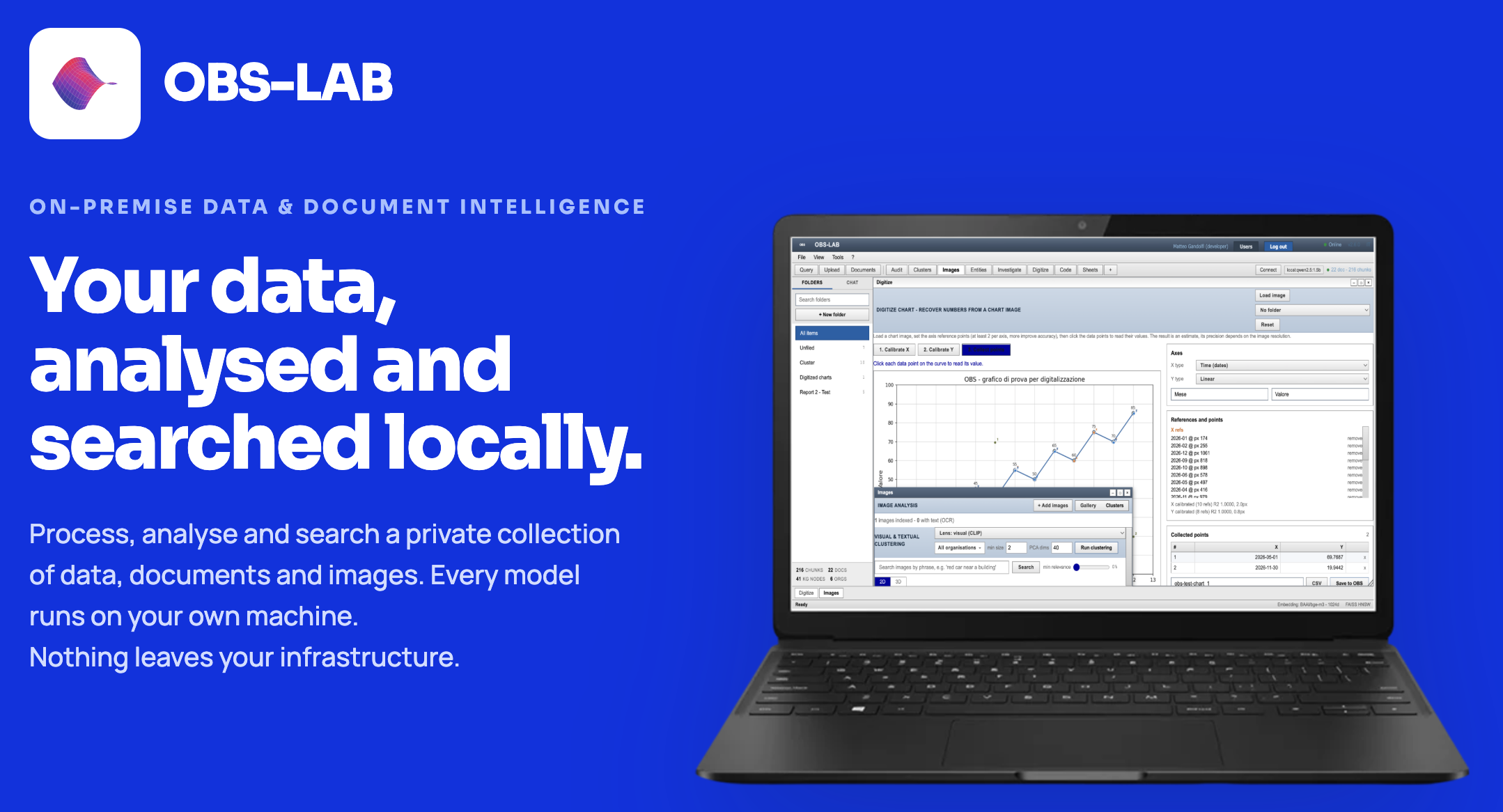
OBS-LAB brings data analysis, document intelligence and computational tools together in one open-source platform, designed to run on your own infrastructure.
Whether you use it for research, professional work or internal projects, the platform gives you the tools to explore information, extract knowledge and build your own workflows without giving up control of your data.
Fully open source, self-hostable and adaptable to different environments. Start with the public source code, contribute to the project, or work with us to deploy and customise OBS-LAB for your organisation.
 OBS